The capabilities behind your workforce.
See how workflows, skills, knowledge and data work together. Start with prepared capabilities and adapt approved processes yourself or with support when needed.
Every component in detail, with images and examples.
Eight Building Blocks
Platform · Workflows · AI · WKIS
Rule + AI
Reliable · with approvals where required
Workflow AI Agent
Web · Docs · Sub-Agents · Data
§ 02 · Overview
Shared building blocks for your work.
The workspace connects the same technical foundations across different tasks. Domain rules, access and data are configured for each use case.
01 · Platform
Dashboard
Platform & Dashboard.
Entry point with quick access to workflows, COIA chats, and status notifications.
02 · Data
Client DB
Databases.
Tables with types, relationships, and validation. Structured storage for master and matter data.
03 · Process
GDPR disclosure v3.2
Workflows.
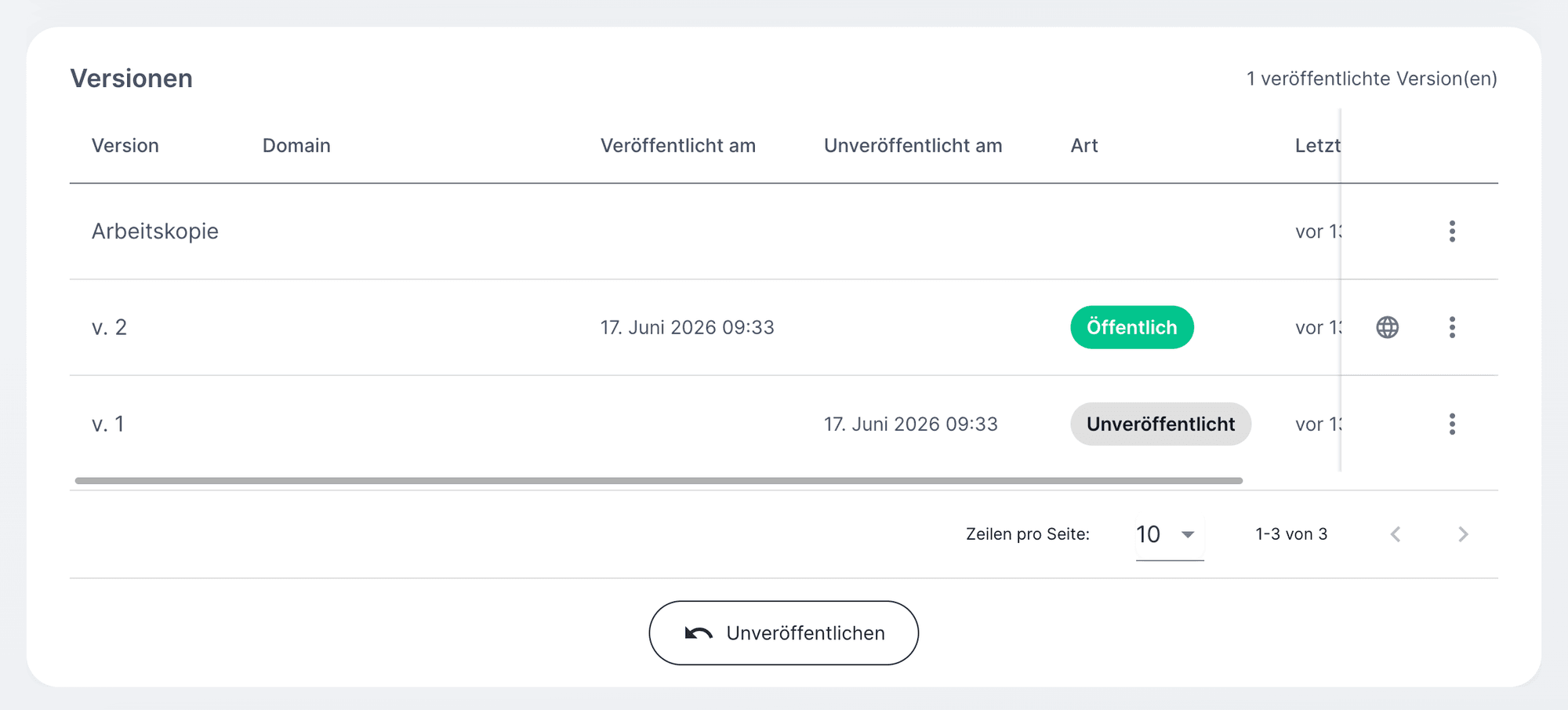
Structured work processes, interactive or headless in the background.
04 · Logic
5 node types
Nodes & Elements.
Start nodes, page nodes, magic nodes, goto, target nodes, with configurable elements.
05 · Special section
AI Agent
Workflow AI Agent.
Web research, document creation, sub-agents, data extraction, AI and rules in one node.
06 · Knowledge
Skills + Know-Why
Skills + Know-Why.
Versioned expert knowledge in COIA, recording the regulatory reference and timestamp per workflow.
07 · Connectivity
API & Connectors
Interfaces + API.
Email, M365, Google, webhooks, REST/GraphQL: connection to your existing systems.
08 · Identity
Sharing + WKIS
Sharing + WKIS.
Private, user groups or public, with WKIS login for WKO members.
Building Block 01 · Platform
Your workspace. Not a search box.
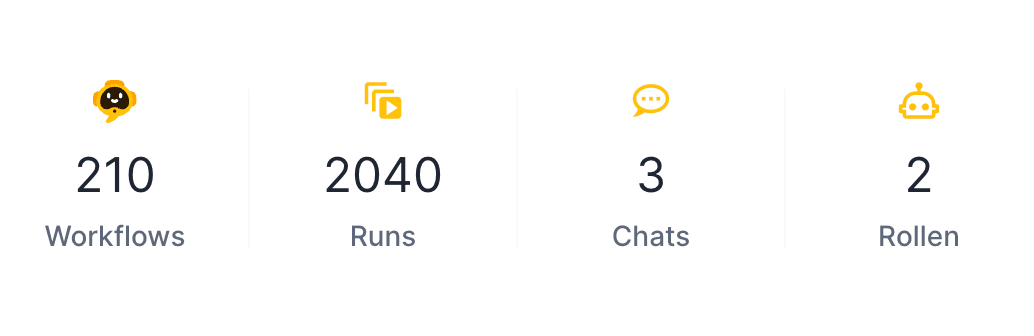
The dashboard shows open workflows, active COIA chats, and matters waiting for you. What matters is one click away, not buried in a menu tree.
- Quick access
- Status notifications
- COIA chat in the workspace
Building Block 02 · Databases
Tables with relationships.
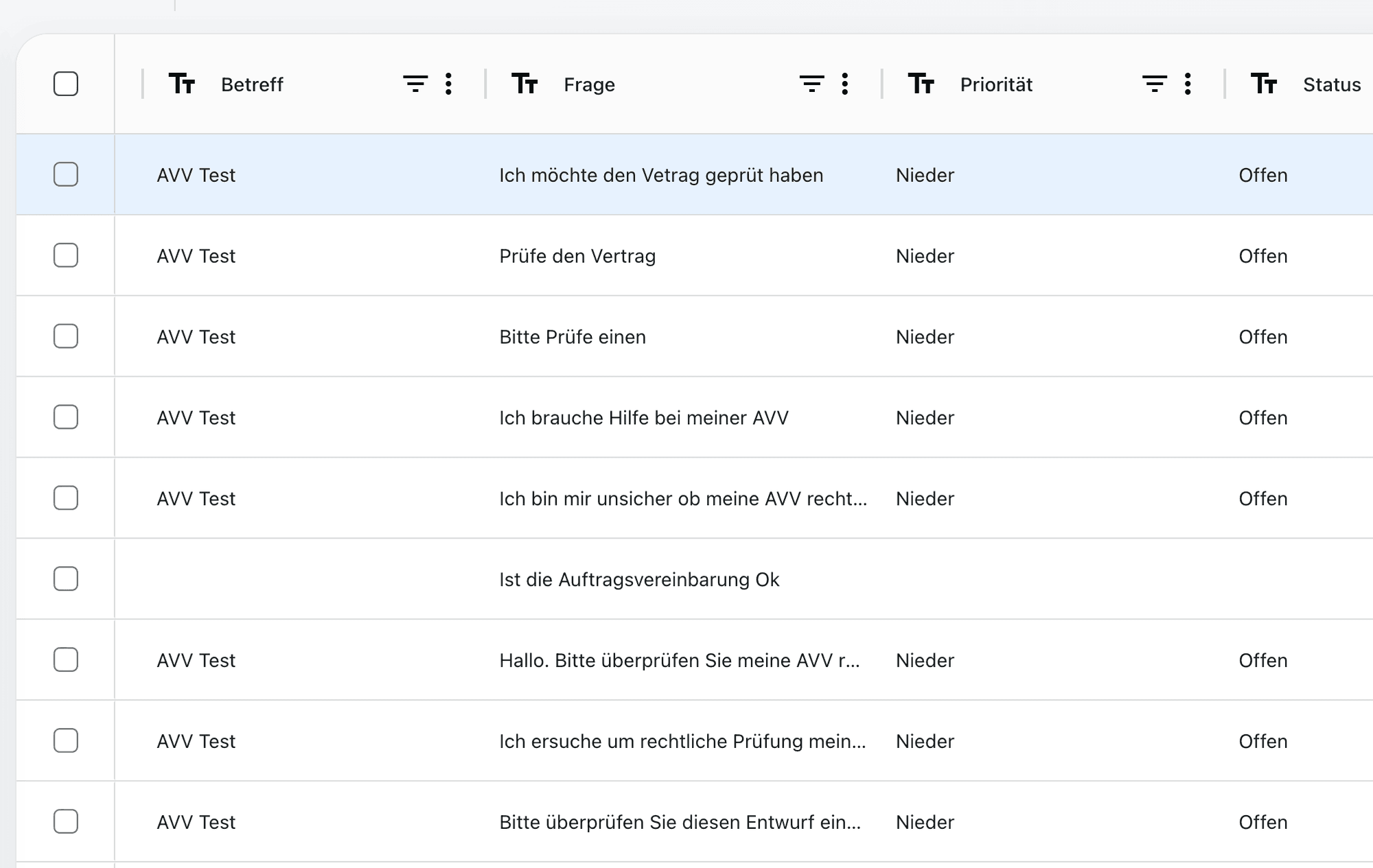
Structured storage for master data, matter data, and relationships. Types, validation, and relationships: like a relational database, with no SQL required. Workflows read and write directly.
- CRUD in workflows
- Types & validation
- Relationships across tables
Building Block 03 · Workflows
Guide people or run work in the background.
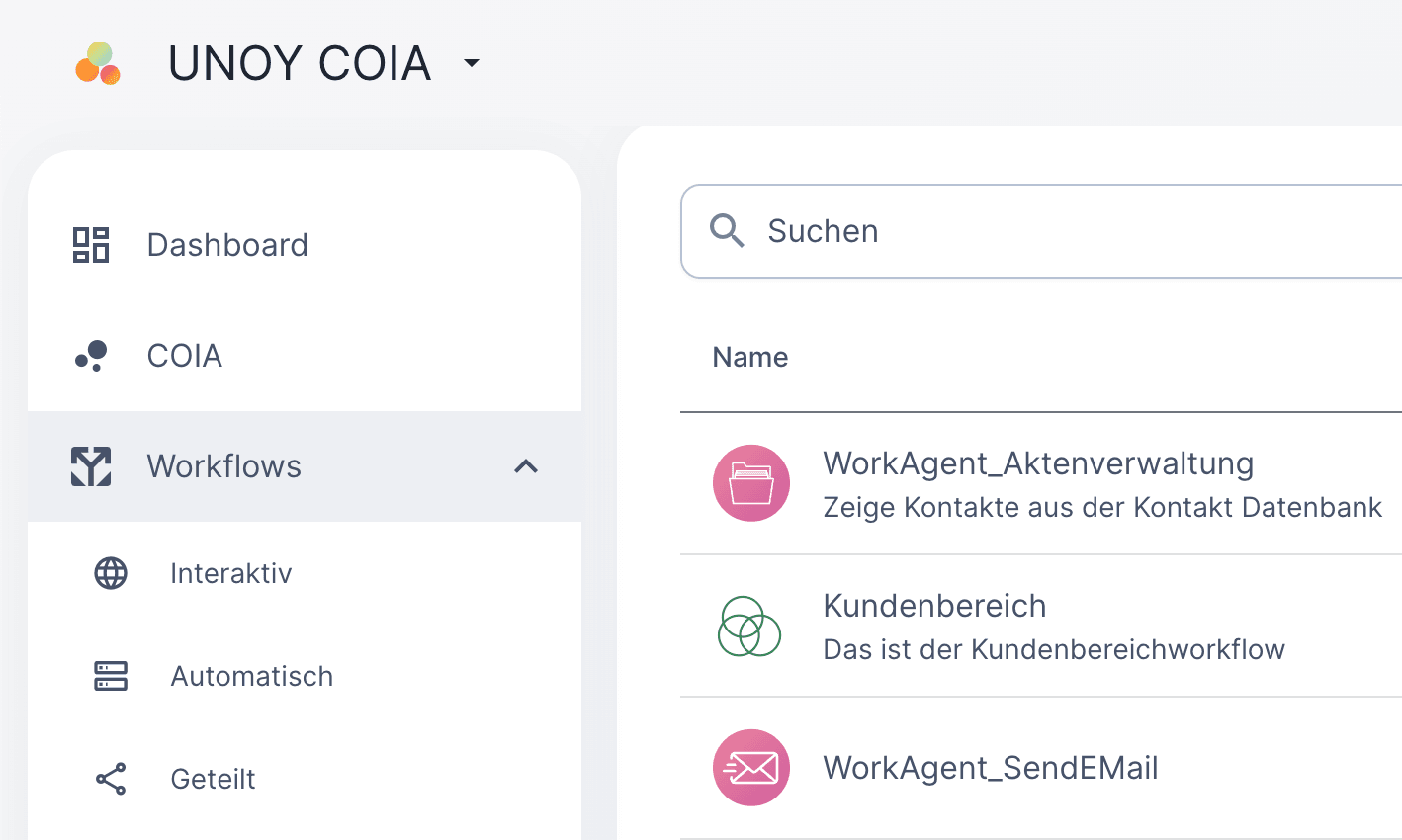
Workflows can request information and decisions from people or execute approved steps in the background. Use depends on the task, permissions and configured capabilities.
- Interactive paths
- Headless / background
- Versioning per workflow
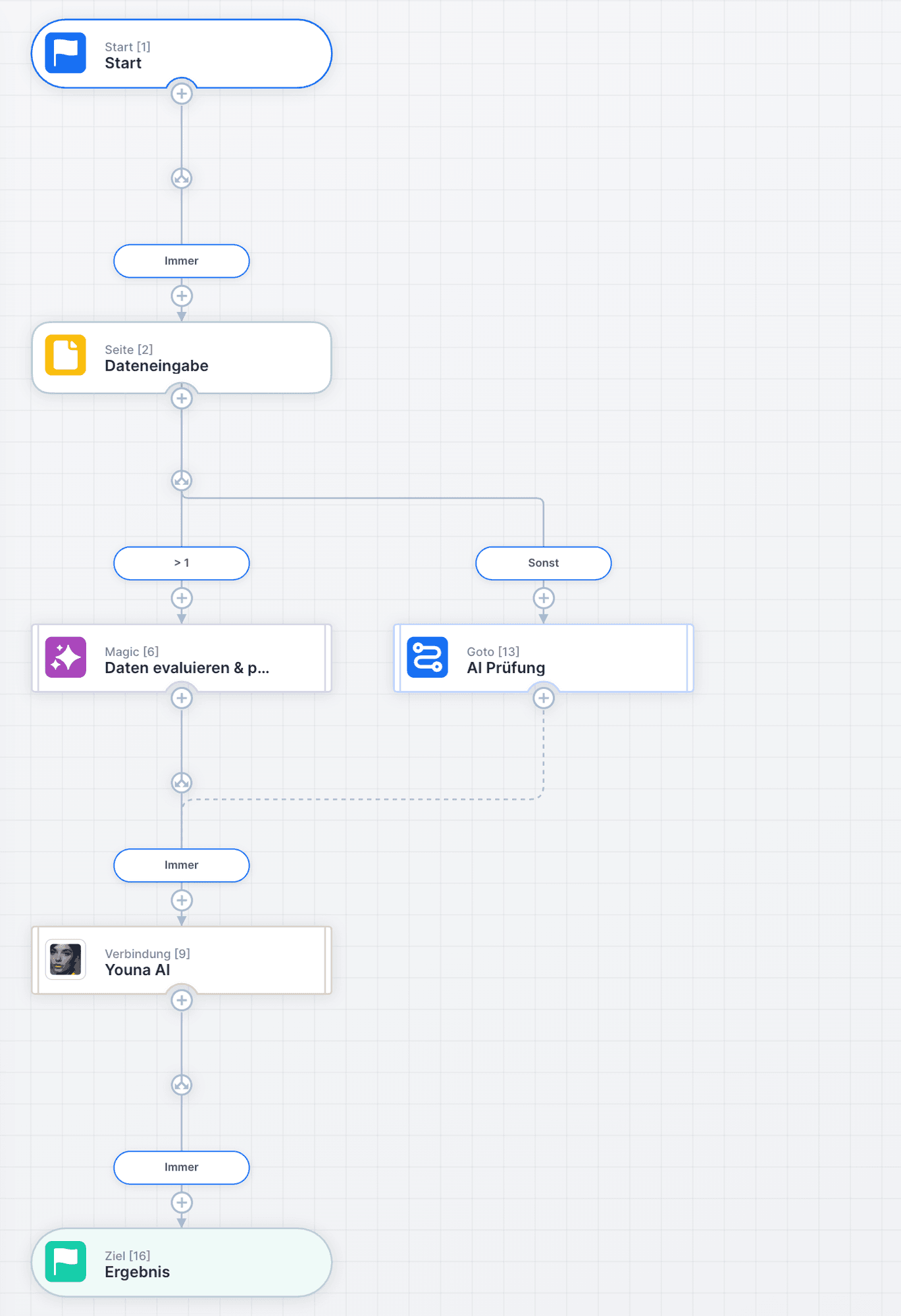
Building Block 04 · Nodes + Elements
Make domain rules understandable.
Authorised people can inspect approved processes in the designer and adapt them with AI. Changes are tested and approved before being used in production.
- Drag & drop designer
- Element panel per node
- Branches & Goto
AI Agent · running
Research + document creation
Building Block 05 · Special section
AI in the node. With a rule framework.
Web research, document creation, sub-agents, data extraction and AI tasks, embedded in the workflow. The rule framework defines which steps are logged and which sources are shown.
- Web research
- Sub-agents in the workflow
- Audit trail per step
Building Block 06 · Skills + Know-Why
Reuse established knowledge for further tasks.
Skills package capabilities; Know-Why records their domain foundations. Approvals and permissions determine which content may be used, changed or shared.
- Version skills
- COIA Function Calling
- Regulatory reference per skill
Connectivity · Live
M365 · Google · REST · GraphQL
Building Block 07 · Interfaces + API
Connected to your systems.
M365, Google Workspace, REST, GraphQL, webhooks and SSO. Email sent directly from the workflow. Which connections are set up for your deployment is clarified in advance.
- M365 + Google Workspace
- REST · GraphQL · Webhooks
- Email delivery from workflows
Workflow · Visibility
Who can do what, per workflow
Building Block 08 · Sharing + WKIS
Share deliberately. Protect your knowledge.
Decide which people or groups can access the intended services. Internal execution logic and confidential knowledge remain restricted to authorised roles.
- Visibility per workflow
- Roles & approval boundaries
- WKIS · Single Sign-On
§ 21 · Ready?
Shared building blocks. Task in. Result out.
You know the building blocks. Start with prepared capabilities, have your workforce tailored or see how UNOY works in your industry.
Browser-based · EU hosting · Self · CoBuild · Service